
Android 17 Code name "Cinnamon Bun" (leaks)
Google have got emotional this time.
You probably already know one thing that people always praised about the iPhone, they get software updates. iPhones are always getting fresh features, timely upgrades and having long term support. Android, on the other hand, used to be an open ecosystem that used to not push updates to every device very often.
But Google has now become emotional. And there are two major reasons for it.
First, all the leaks and rumors that we hear about Android 17, which I’m going to tell you about today, tell us one thing clearly: Android is going beyond mobile phones and transforming into a full-fledged operating system. Meaning, Google is now gearing up to go head to head with Apple. Not only are you going to see Google introducing laptops, tablets, and several other categories of devices that were once exclusive to Apple’s ecosystem.
Second, and more important, if you look at the market today, even the low end of the phones, even in big brands like Samsung, are even promising three, four, even six years of guaranteed software updates. And the reason for this is simple: Google has had improved and standardized its update cycle so greatly that it’s actually been easier for manufacturers to roll out consistent updates.
As a result, if you have purchased the Android phone within the last year then there is a very high chance that you will get the Android 17 update. Earlier, cheaper Android phones never received major OS upgrades, they simply ran the same software throughout their life. But not anymore.
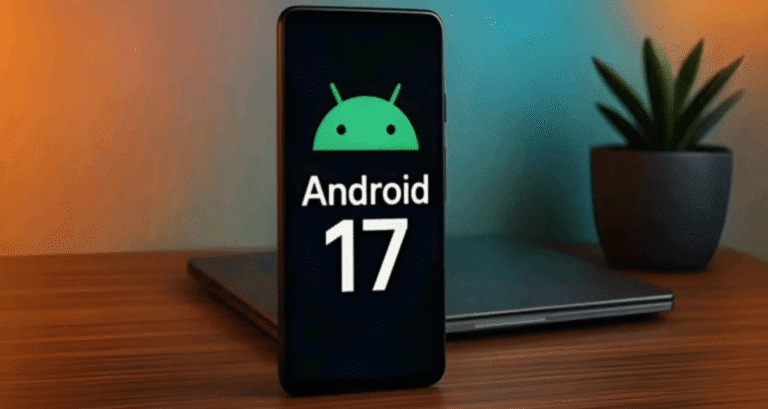
Somehow talking about android 17 we have now – which is going to be revolutionary.
And by the way, its internal codename is pretty funny as well: Cinnamon Bun. According to Google’s internal developers, Android 17 will take tons of new features.
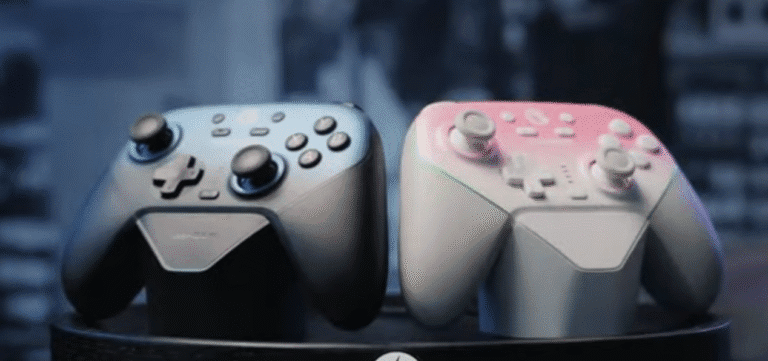
1: Full Gaming Controller Support
Google is now targeting huge range of devices including gaming devices. With Android 17, you will be able to use nearly any external gaming controller with your phone. Previously it was only possible to get support from Xbox or Playrise controller and even for that too, there were only few games that supported them.
Now Google is changing that. Game developers will be able to add controller support right in the beginning. And any company – even a small Chinese brand – could create controllers that Android will fully support.
PUBG players may be in luck too, as it’s possible that PUBG will eventually get controller compatibility.
2: “Min Mode” — Ultra Low Refresh Rate Mode
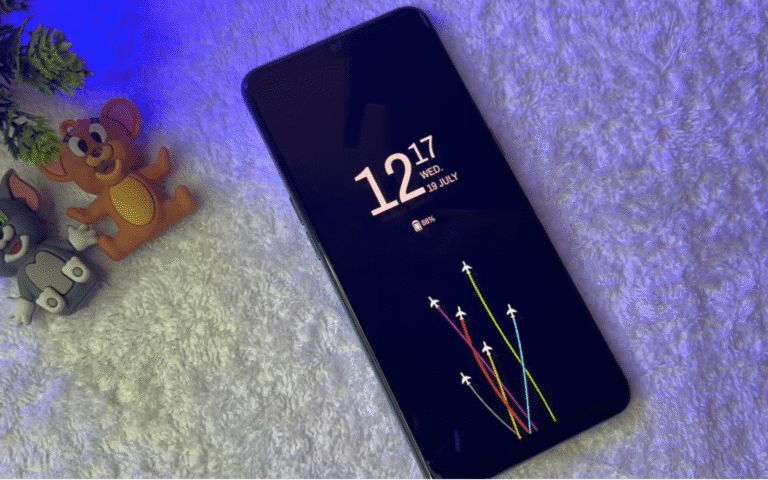
android 17 introduces “Min Mode”, a minimal mode that reduces your screen refresh rate down to only 1Hz when needed – similarly to Always-On Display but with maps, workout screens or anything where nothing is changing on-screen.
This saves a massive amount of battery, and keeps your screen on for longer, and makes more apps function like Always-On Display – not just the clock.
3: True Multi-Device & Multi-Screen Support
Google teased Desktop Mode in Android 16, but never pushed it to Android. Now in Android 17, Google is not just adding Desktop Mode – they’re adding a universal multi-screen mode.
Which means:
Connect your phone to a monitor -> it switches to the desktop mode
Use it on a tablet → tablet mode
Foldable devices = optimized folding UI
Large screens -> no ugly black corners and unoptimized layouts anymore
Every app will open full-screen on foldables as well as tablets and large displays — out of the box.
4: Hub Mode (Google’s version of iPhone StandBy Mode)
iPhones have a StandBy Mode where, when you place the phone sideways on charging, it turns into a clock, photo frame, or info screen.
Android 17 is introducing “Hub Mode,” which does the same thing:
When your phone is charging
You can customize what appears on the screen
It becomes a smart display-like accessory on your desk or side table
5: Install Third-Party App Stores from Play Store
This is a forced change for Google, but a huge benefit for users.
Currently:
Most third-party app stores need to be sideloaded
It’s unsafe and risky
Now:
You can install other app stores from google play store
No sideloading
No risk
Companies will receive payments directly (Google won’t be taking a cut)
This is why apps such as Spotify require you to create an account on their website – because they are trying to avoid the fee of Google or Apple. Android 17 will fix this.
6: Local Network Protection
It was already available in iPhones and now the Android operating system is also adding it.
This is not possible without this protection apps like Facebook could detect:
Whom else are you connected to same wifi
Which devices are nearby
And indirectly guess people’s location
Example:
Even if one of your coworkers has location off, Facebook could detect your coworker’s presence via your Wi-Fi network.
Android 17 will stop this. Apps must receive permission first in order to access local network devices.
7: Double Tap to Lock
Double Tap to Lock Simple yet useful! Many manufacturers have this already, but now this is coming to EVEY Android. Double Tap and your screen security locks in.
HDR Content Slider: On newer phones, instead of just selecting vague color profiles, such as “Simple”, “Vivid”, etc., you’ll be offered a slider to roll up the level of HDR brightness and saturation to exactly your liking.
Enhanced Dark Mode: There are still apps that don’t support dark mode leaving you with a blinding white screen. This feature will force Dark Mode into every app, even unsupported apps in order to save your eyes from that annoying glaring.
Advanced Screen Recording: With the Desktop Mode comes new toolbars including one that is for recording a screen. You will be able to record your screen and your front camera simultaneously on the same screen – perfect for making tutorials!
Custom Contact Picker: It is a huge winning milestone for privacy. When an application requests access to the contacts on your mobile device, it receives the entire list of contacts. In Android 17, you can now customise the list and if you want to share only specific contacts with that app, you can choose to do so.
These are the leaked and rumors from Android 17 features. As Android 16 beta updates roll out, more features will become apparent – given Google as a rule tests next-gen features in the previous version’s betas.
So features that we are testing in Android 16 today will actually be for Android 17 – on the devices launched next year.