
Monitor Hz & FPS Checker: Online Display Resolution Tester
Monitor Diagnostics
Real-time display analysis
Monitor Details
Display Technology
Performance Metrics
Table of Contents
The Evolution of Monitors: From CRTs to LED
FPS vs. Hertz (Hz): What is the Difference?
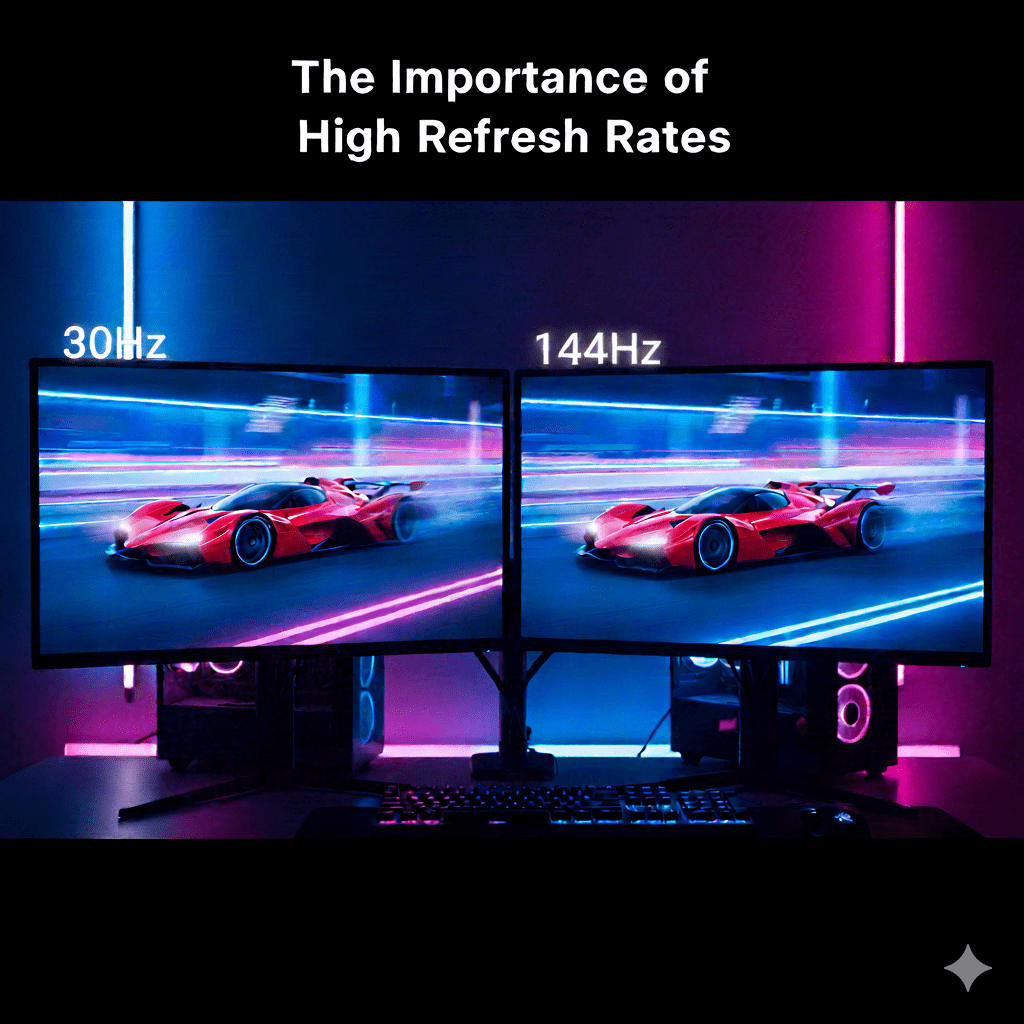
The Importance of High Refresh Rates
The Perfect Match: GPU and Monitor Compatibility
Understanding Resolution and Pixels
Comparison Table: FPS vs. Hz
Frequently Asked Questions (FAQs)
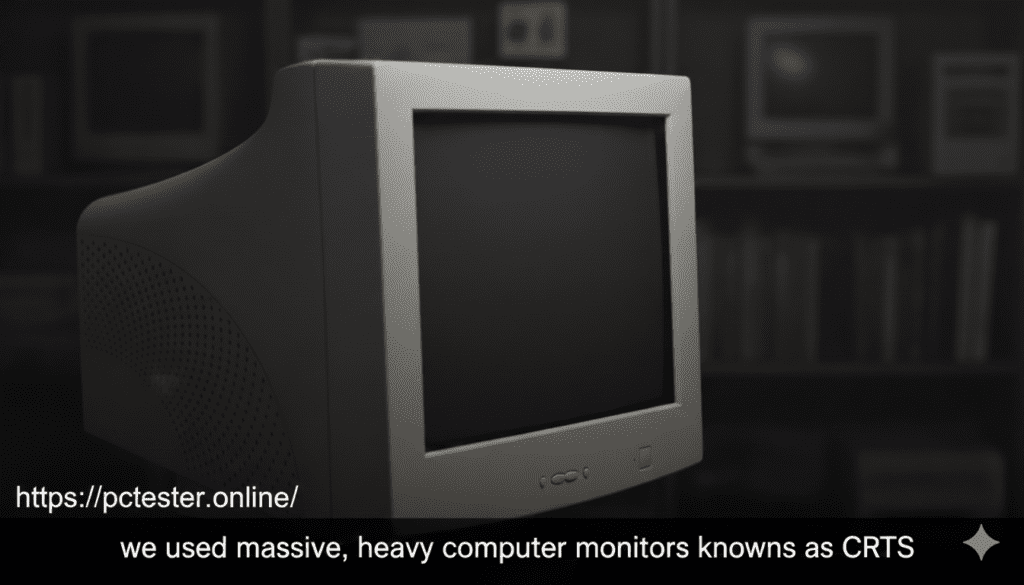
Do you know what Resolution and Hz actually are?. Between 1990 and 2000, we used massive, heavy computer monitors known as CRTs .
These were bulky and carried significant weight. Back then, we didn’t know much about resolution; we just considered the monitor to be everything, whether we were playing games or watching movies .
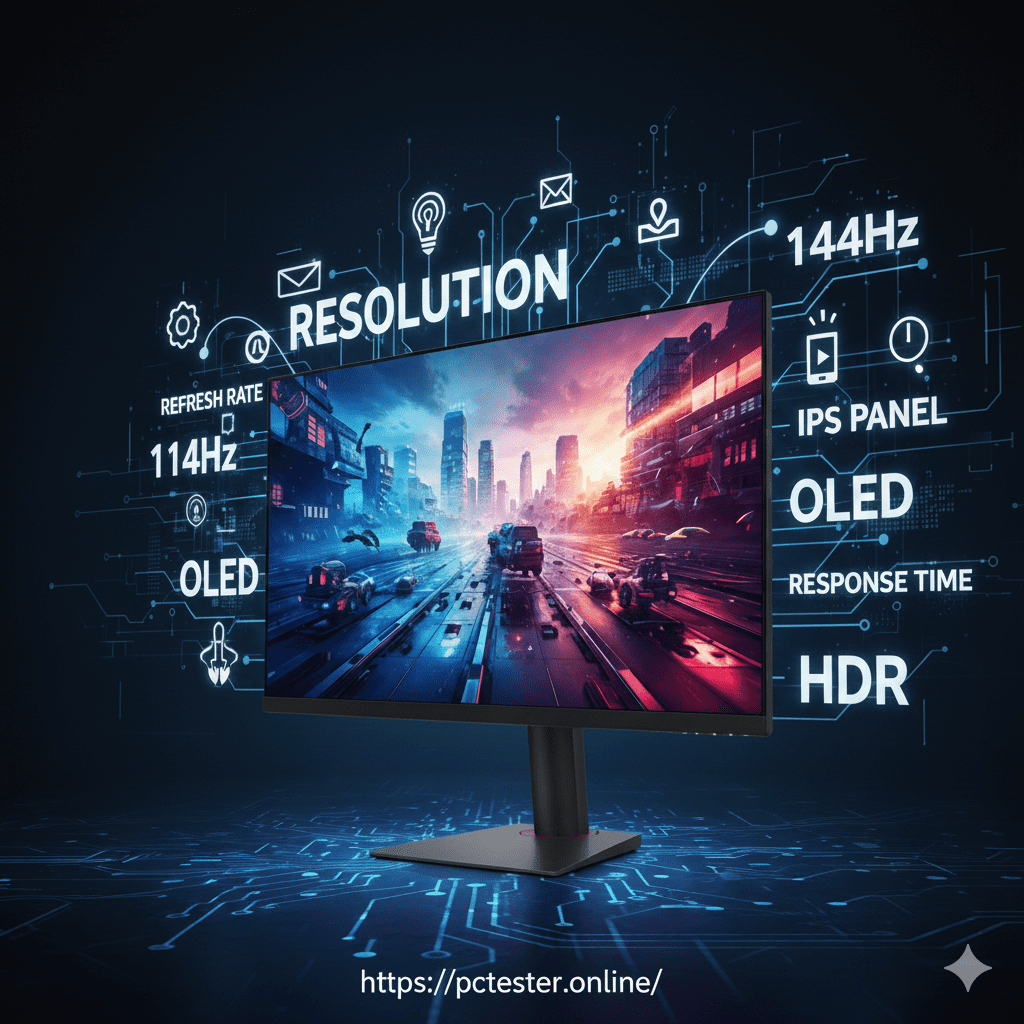
Today, technology has evolved rapidly. We now see beautiful LED and LCD screens not just on computers, but in car speedometers, mobile phones, and multimedia displays .
When buying a modern LCD, the box is filled with technical terms like Resolution, Refresh Rate, 144Hz, and OLED that can be confusing .
To understand these terms, we must look at how images move .
FPS (Frames Per Second): A video is actually a series of still images moving quickly. Each individual image is called a “Frame”.
The Flipbook Example: Think of a childhood “Flipbook” where every page has a drawing. When you flip the pages fast, the image appears to move. Each page is a Frame, and the number of pages changed in one second is the FPS . In gaming, low FPS causes the movement to look choppy, which we call “Lag” .
Hertz (Hz): This relates directly to your monitor. It indicates how many times per second your screen refreshes with new information .
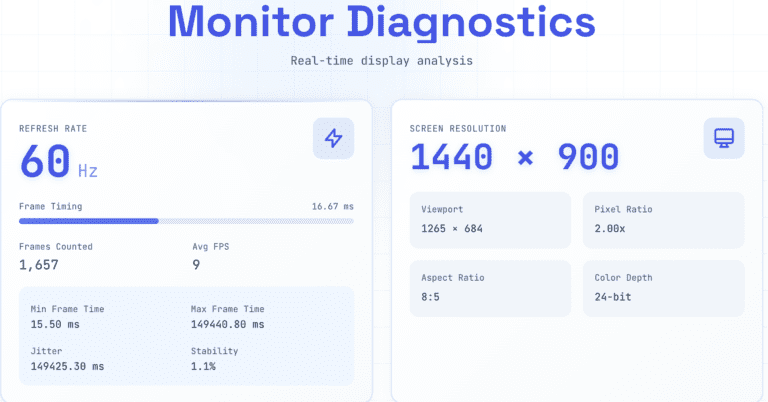
If you buy a 60Hz LCD, it redraws the image 60 times in one second . A 144Hz monitor refreshes 144 times per second.
The higher the refresh rate, the better the performance; movement and transitions become much smoother and easier to see .
On a 30Hz monitor, fast games will look stuck or choppy, but on 144Hz, they appear perfectly smooth.
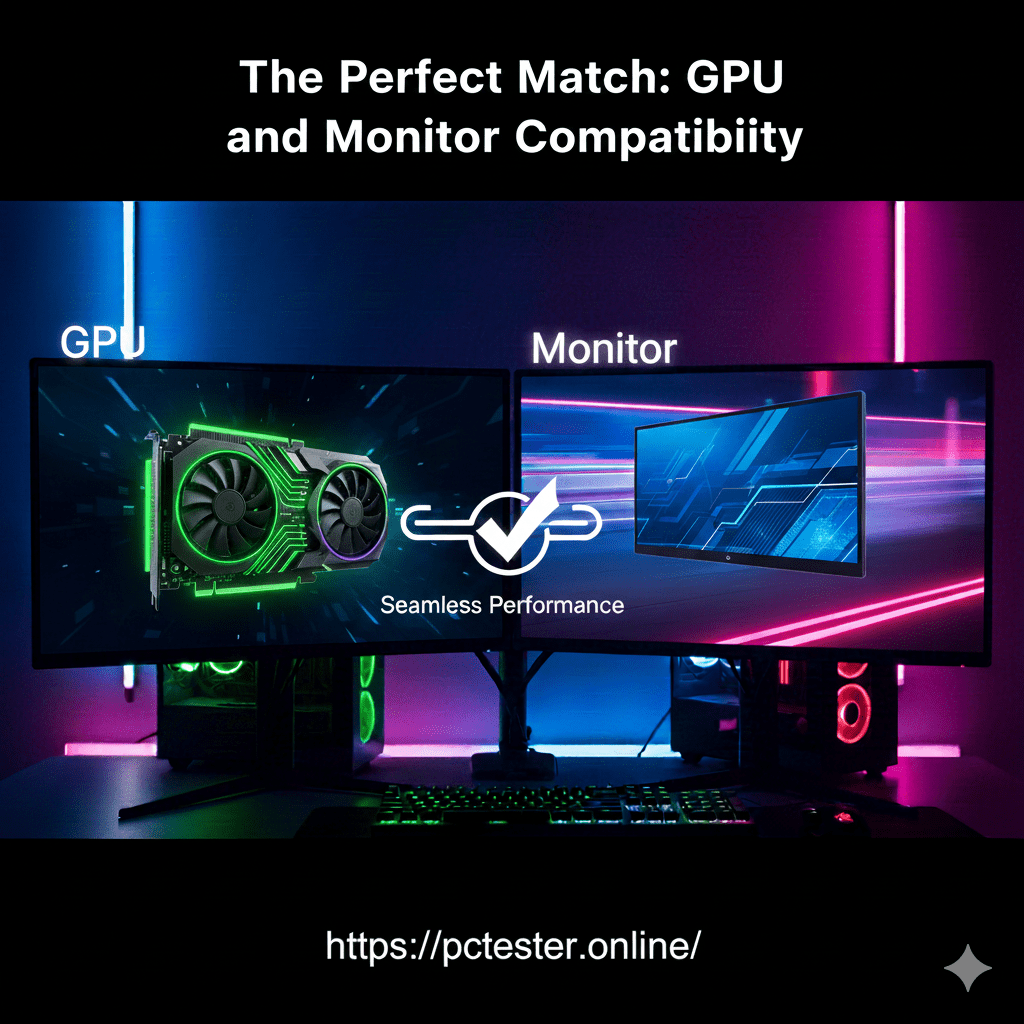
To get the best display, you need a combination of a good GPU and a good monitor .
FPS is the power of your GPU (Graphics Card).
Hz is the capability of your monitor .
If your GPU produces 120 FPS but your monitor is only 60Hz, your monitor will still only show 60 frames. Similarly, if you have a 144Hz monitor but a low-quality GPU, you will not get good results.
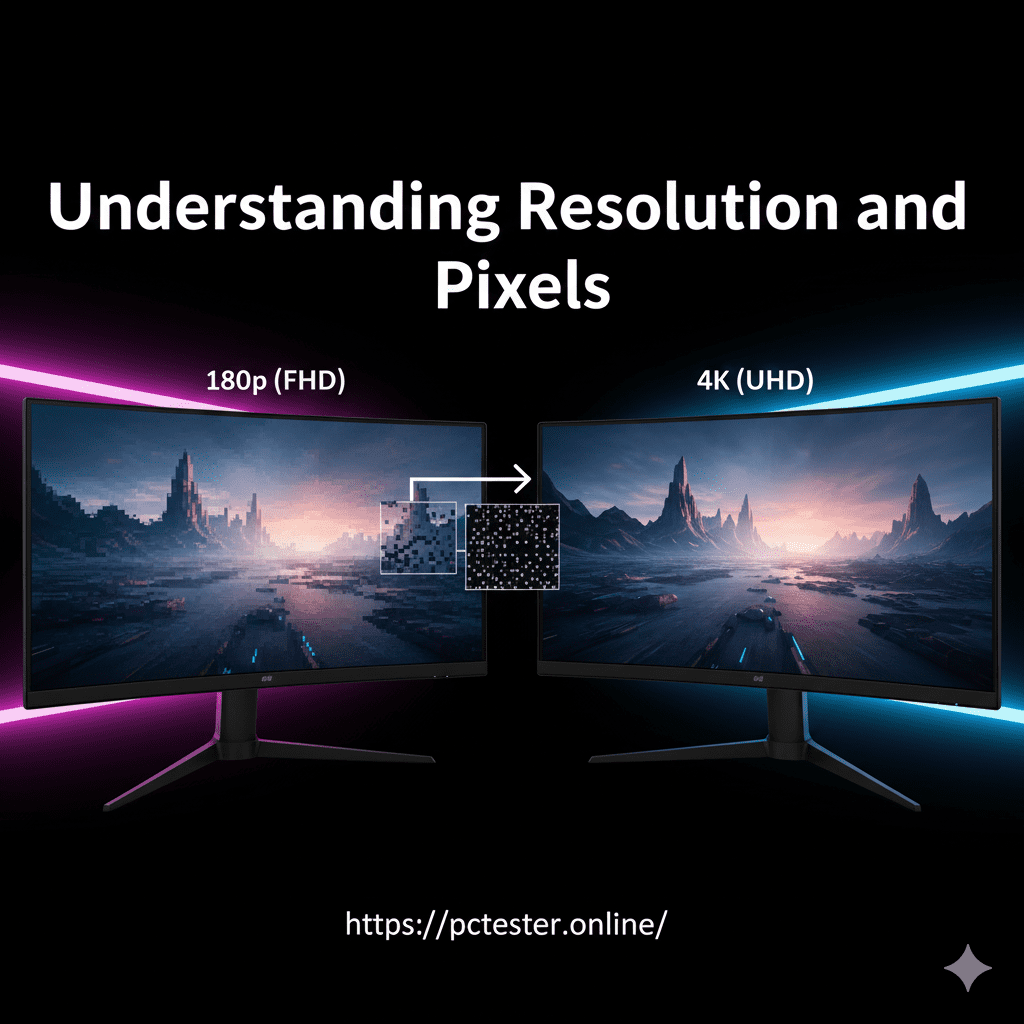
Resolution refers to the density of pixels on your screen . It is the total number of dots (pixels) present on the display .
More pixels result in a cleaner, clearer, and better display .
Common measurements include HD, Full HD (1080p), 2K, and 4K .
4K provides the highest number of pixels and is ideal for graphic design and high-end gaming .
| Feature | FPS (Frames Per Second) | Hertz (Hz) |
| Source | Produced by the GPU (Graphics Card)3232.
| Controlled by the Monitor33333333.
|
| Function | The number of images created every second34343434.
| The number of times the screen refreshes35353535.
|
| Impact | Low FPS causes “Lag” or choppy movement 36.
| High Hz makes motion look smooth 37.
|
| Dependency | Limited by the monitor’s refresh rate3838.
| Limited by the GPU’s output3939.
|
Q: Can I see 120 FPS on a 60Hz monitor?
A: No. Even if your computer generates 120 FPS, a 60Hz monitor can only display 60 images per second. The extra frames are effectively wasted.
Q: Why does my game look choppy even with a good monitor?
A: This usually happens if your GPU is not powerful enough to produce high FPS, or if your Windows settings are still set to 60Hz instead of your monitor’s maximum speed.
Q: Is 4K better than Full HD for gaming?
A: 4K provides more pixels and a much clearer image, making it the best choice for high-quality gaming and design, provided your GPU can handle it .
Q: Is any web tool Which check the Monitor Completely.
yes! we provide complete Display Testing tool
click the link to test your Display “https://pctester.online/screen-test-2/