
Mouse Polling Rate vs. DPI: What’s the Real Difference for Gamers
When you shop for a new gaming mouse, the packaging is often covered with impressive-looking technical specs like.
“24,000 DPI,” “1000Hz Polling Rate,” and “Ultra-Fast Tracking”. For most people, these are just numbers, but they define how your mouse performs in critical gaming moments.
In this guide, we will break down these metrics based on the evolution of mouse technology.
Table of Contents
The Era of Ball Mice
Modern Laser & Optical Technology
What is Mouse Polling Rate?
⚡ LIVE TOOL: Test Your Polling Rate & DPI Now
Understanding DPI (Dots Per Inch)
Comparison Table: DPI vs. Polling Rate
Do You Really Need High-End Specs?
Frequently Asked Questions (FAQs)
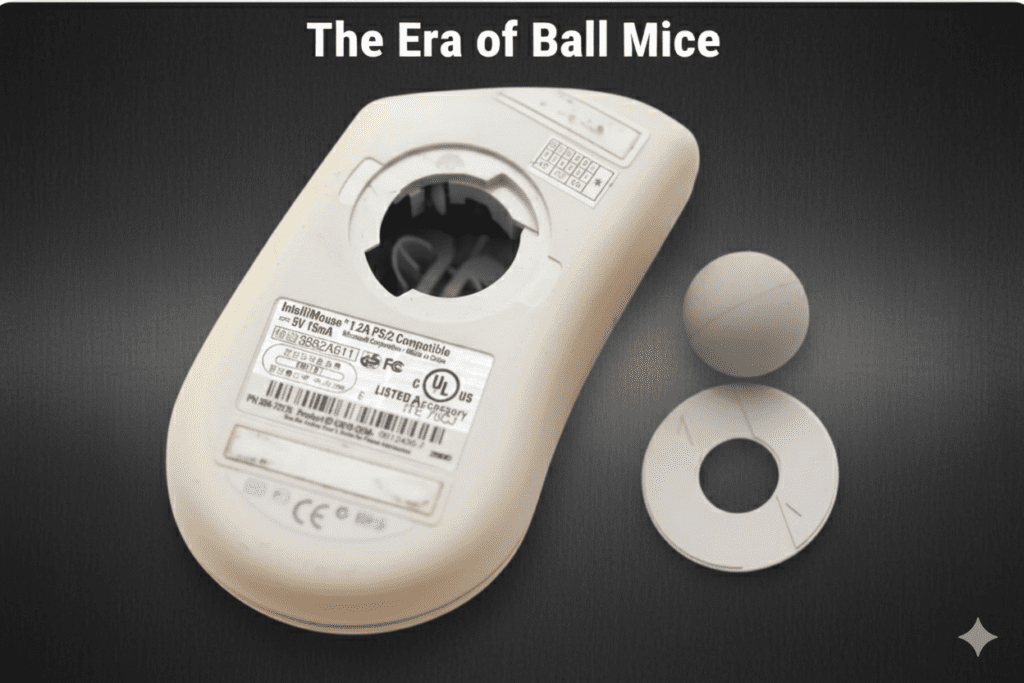
A Trip Down Memory Lane: The Era of Ball Mice
If you used a computer in the late 90s or early 2000s, you definitely remember the “Ball Rolling Mouse”. Unlike today’s sleek sensors, these mice had a small rubber ball inside that moved as you dragged the mouse across a pad.
A common “hobby” for me back then was opening the bottom of the mouse to clean the dust and grime off that ball and the internal rollers. If you didn’t clean it, the mouse speed would drop, and the cursor would stutter.
In that era, we didn’t worry about milliseconds; we were just happy if the cursor moved smoothly on the screen.
The Modern Era: Laser and Optical Technology
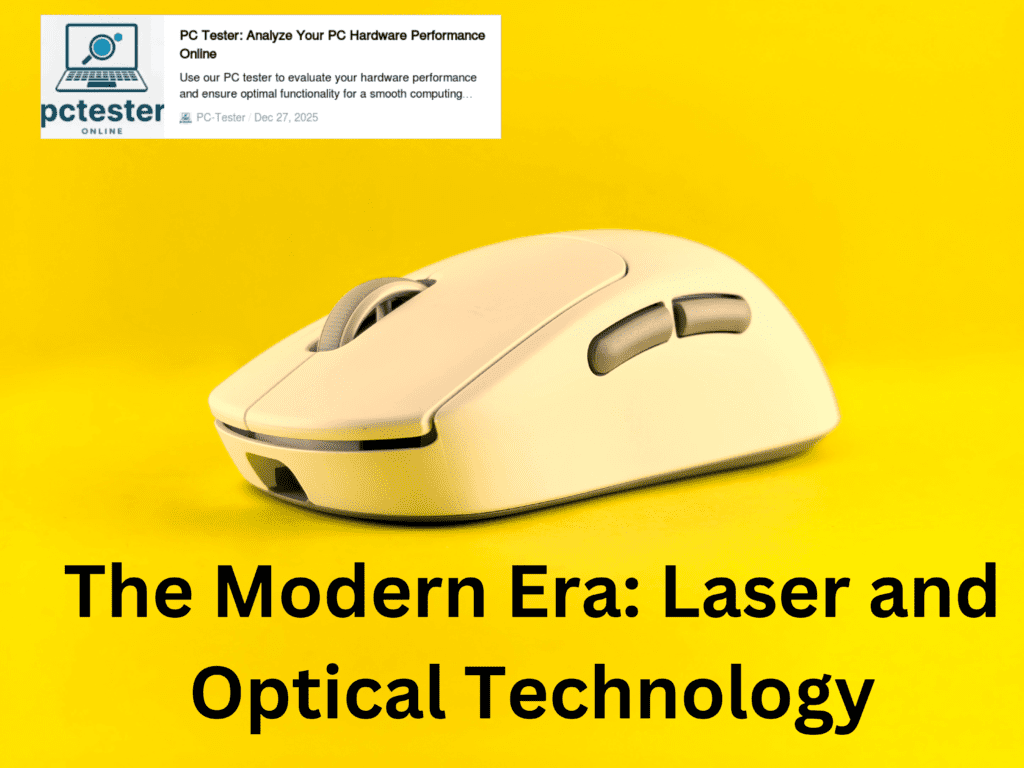
Just as hardware like Floppy Disks disappeared and were replaced by faster storage, the mouse also evolved.
Today, we use Laser and Optical technology that is many times faster and more precise than the old ball system.
Modern sensors can track movement faster than the blink of a human eye. To measure this incredible performance, we use two main metrics: Polling Rate and DPI.
What is Mouse Polling Rate?
The number of times a mouse reports its position to the computer in one second is called the Polling Rate.
125Hz: The mouse reports its position every 8 milliseconds.
500Hz: The mouse reports every 2 milliseconds.
1000Hz: This is the current gaming standard, where the mouse sends data every 1 millisecond.
8000Hz: The latest high-end mice offer near-instant feedback for elite competitive play.
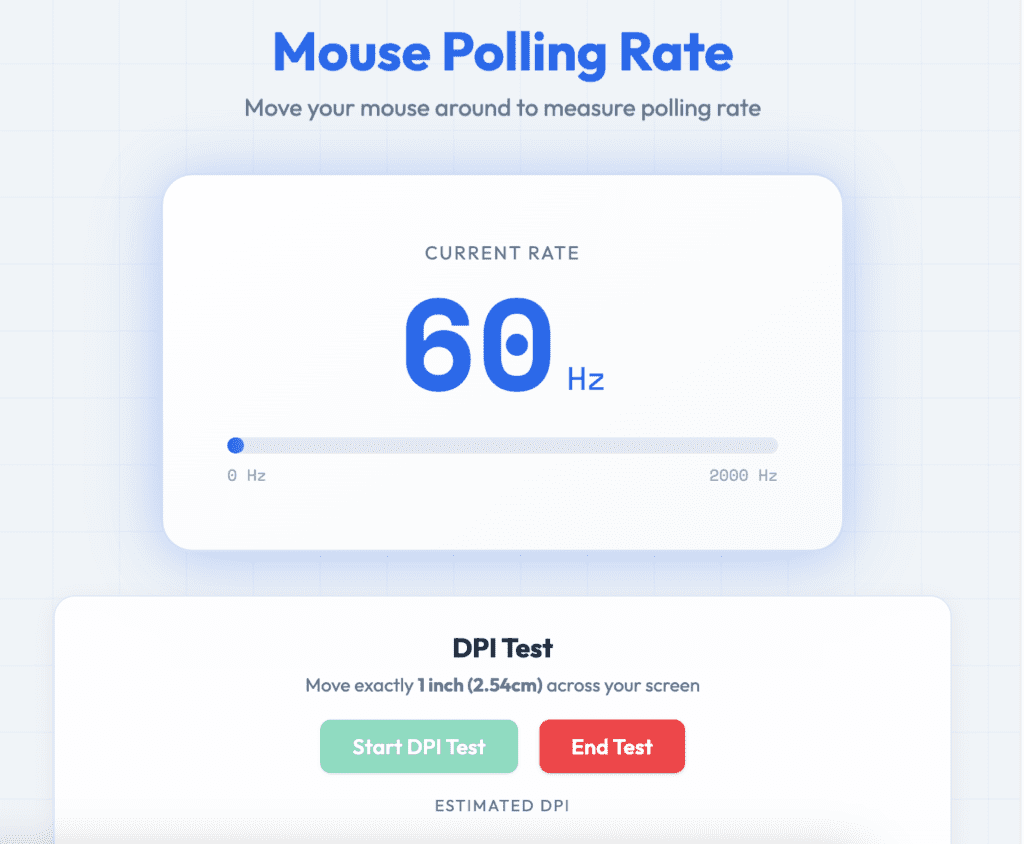
Real Time Mouse Polling Rate and DPI Testing Tool
To help you understand these numbers better, we have built a live testing tool.
Mouse Polling Rate
Move your mouse around to measure polling rate
DPI Test
Move exactly 1 inch (2.54cm) across your screen
Polling rate indicates how often your mouse reports position updates. Higher rates (1000Hz+) provide smoother cursor movement.
What is DPI (Dots Per Inch)?
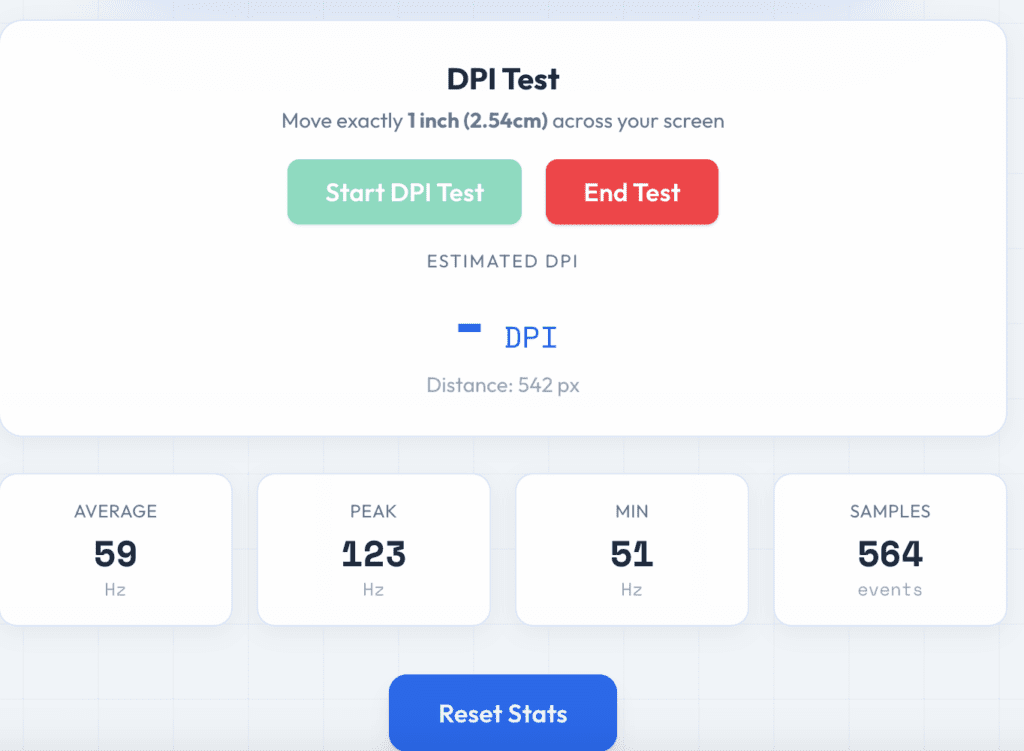
DPI stands for Dots Per Inch.
It is a measure of how sensitive your mouse sensor is to physical movement. If you move your mouse exactly one inch with your hand, the DPI determines how many pixels the cursor travels across your screen.
High DPI (3200 to 24,000): A tiny physical movement makes the cursor fly across the screen.
Low DPI (400 to 1200): This provides much more control and is preferred for daily work or precision aiming.
Variable DPI Mice: Models like the
Logitech G305 allow you to change these settings instantly with a button to suit your task.
Comparison Table: DPI vs. Polling Rate
| Feature | Polling Rate (Hz) | DPI (Sensitivity) |
|---|---|---|
| Core Function | Communication frequency with PC. | Physical sensitivity of the sensor. |
| User Benefit | Reduces input lag and stutters. | Determines cursor speed and travel. |
| Standard Level | 1000Hz is perfect for most. | 800–1200 DPI for daily work. |
| Extreme Level | 8000Hz for elite competitive play. | Up to 24,000 DPI for ultra-sensitivity. |
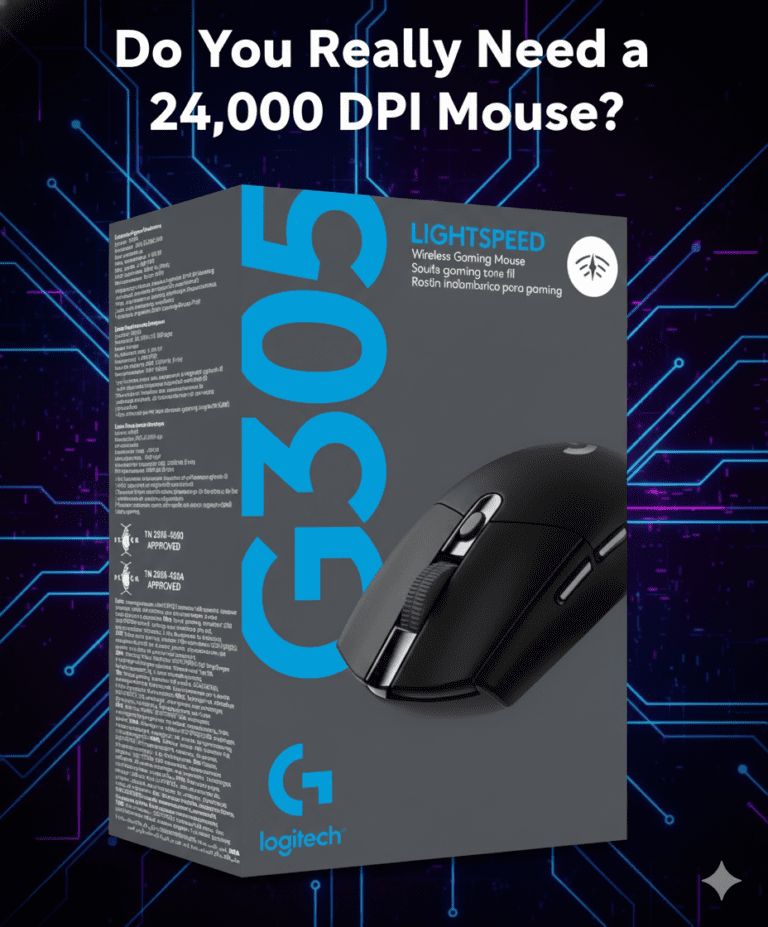
Do You Really Need a 24,000 DPI Mouse?
While a 24,000 DPI mouse sounds incredible, you must consider your whole setup.
To truly feel the benefit of extreme speeds, you need high-end PC hardware and a high-refresh-rate gaming monitor. Without an advanced screen, the difference is almost impossible to see.
For a regular user moving from an old-fashioned mouse to a modern laser mouse like the Logitech G305, the increase in smoothness will feel like “magic”.
Frequently Asked Questions (FAQs)
Q: Does a higher DPI make me a better gamer?
A: Not necessarily. Many pro gamers prefer lower DPI (400–800) because it allows for more precise aiming. High DPI is better for fast, “twitchy” movements but can be harder to control.
Q: Can a high Polling Rate lag my computer?
A: Yes, if you have an older CPU. A rate of 1000Hz or higher requires the processor to talk to the mouse constantly, which can take up resources on older machines.
Q: What is the best DPI for office work?
A: Most people find 800 to 1200 DPI to be the “sweet spot” for navigating spreadsheets and browsing the web comfortably.
Q: How can I check my current mouse speed?
A: You can test your hardware performance live. Visit pctester.online to use our real-time testing tools and see your mouse’s actual polling rate and accuracy.